Dataset labeling
Mirilux
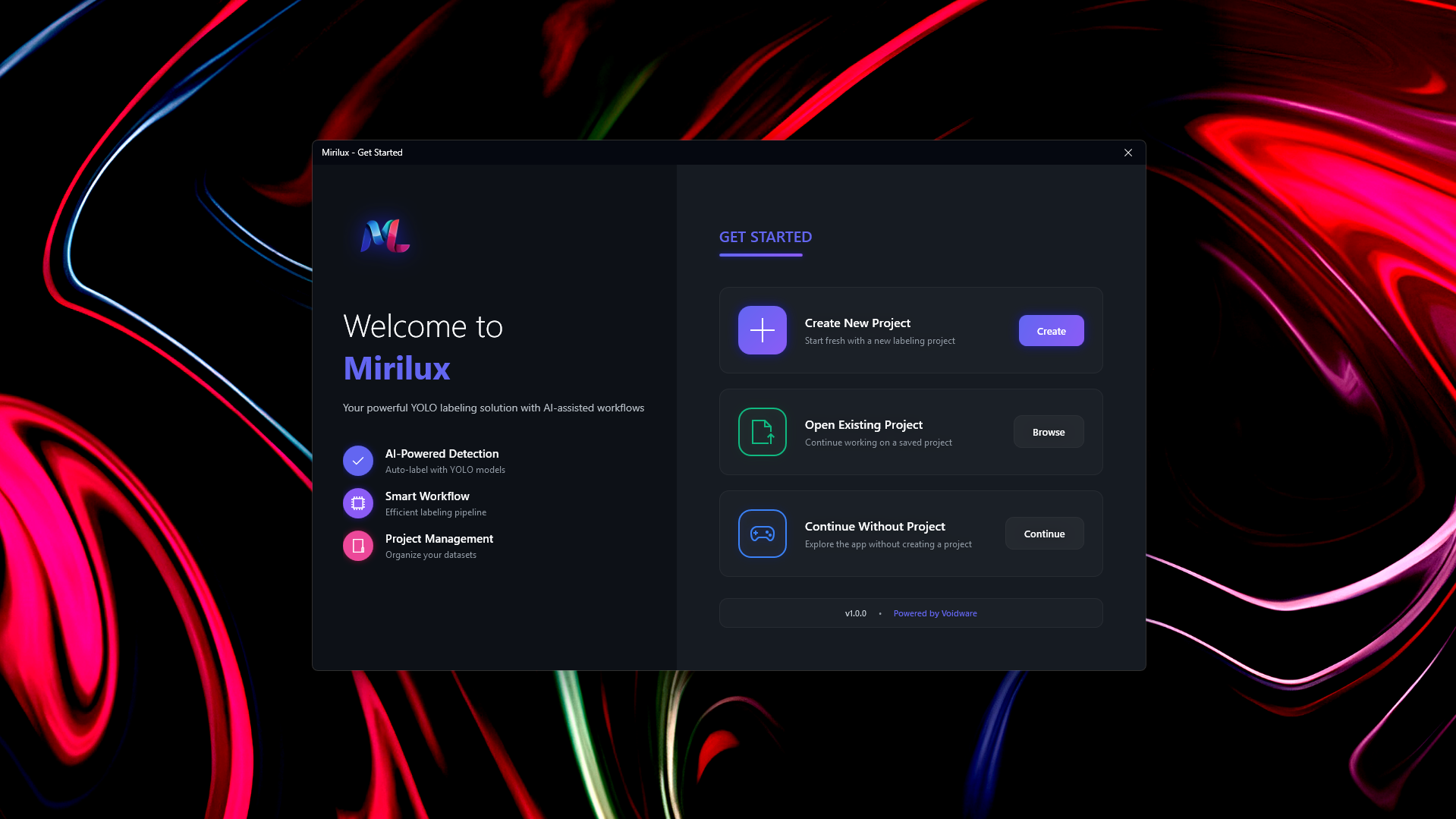
AI-powered auto-labeling for building YOLO datasets. Import frames, run ensemble detection, review and correct labels, then export a dataset you can train on immediately.
YOLO datasetsEnsemble ONNXReview + export
How it works
A workflow you can finish.
01
Load
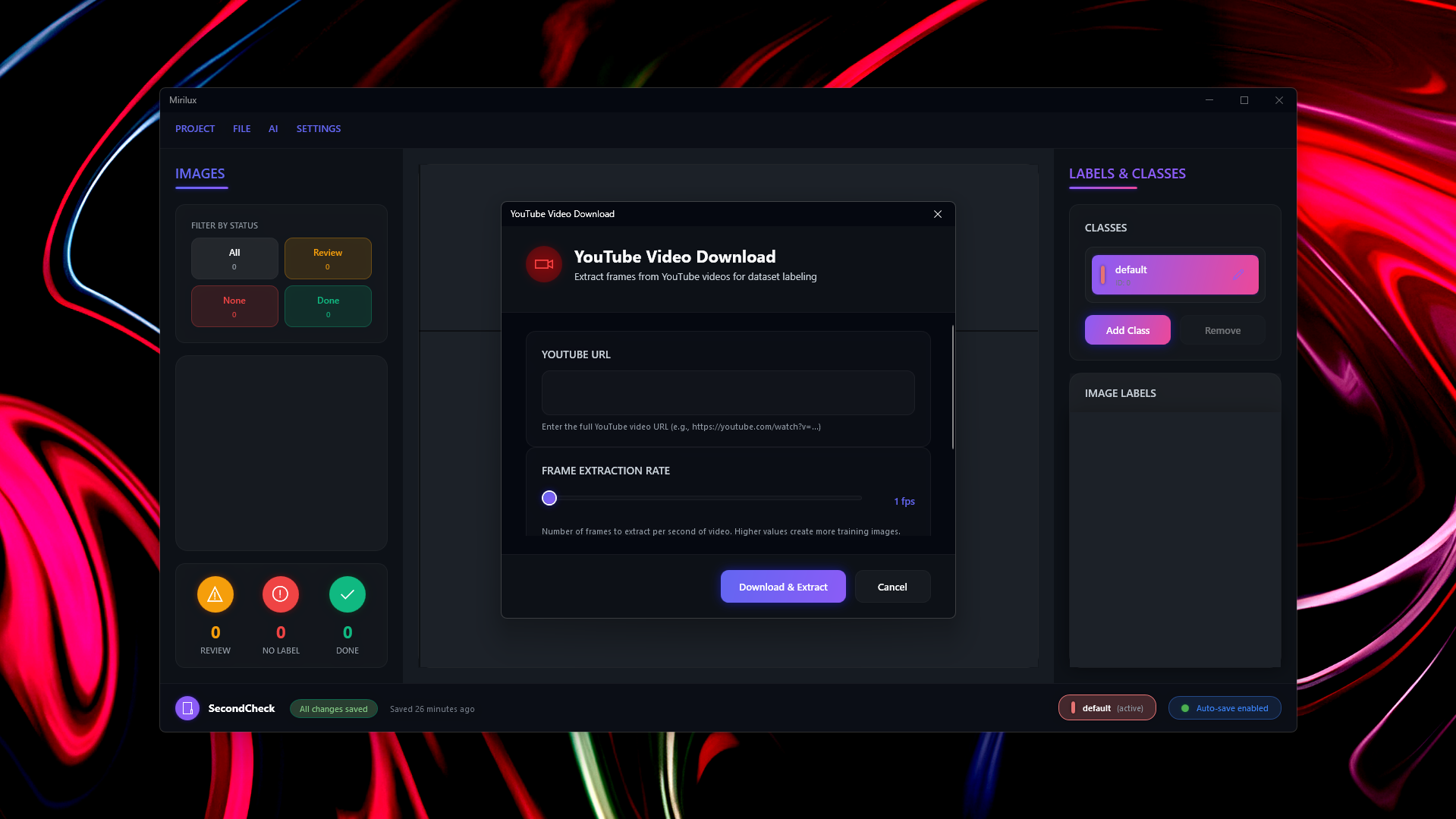
Bring in image folders or extract frames from video. YouTube import pulls footage directly into your workspace.
02
Auto-label
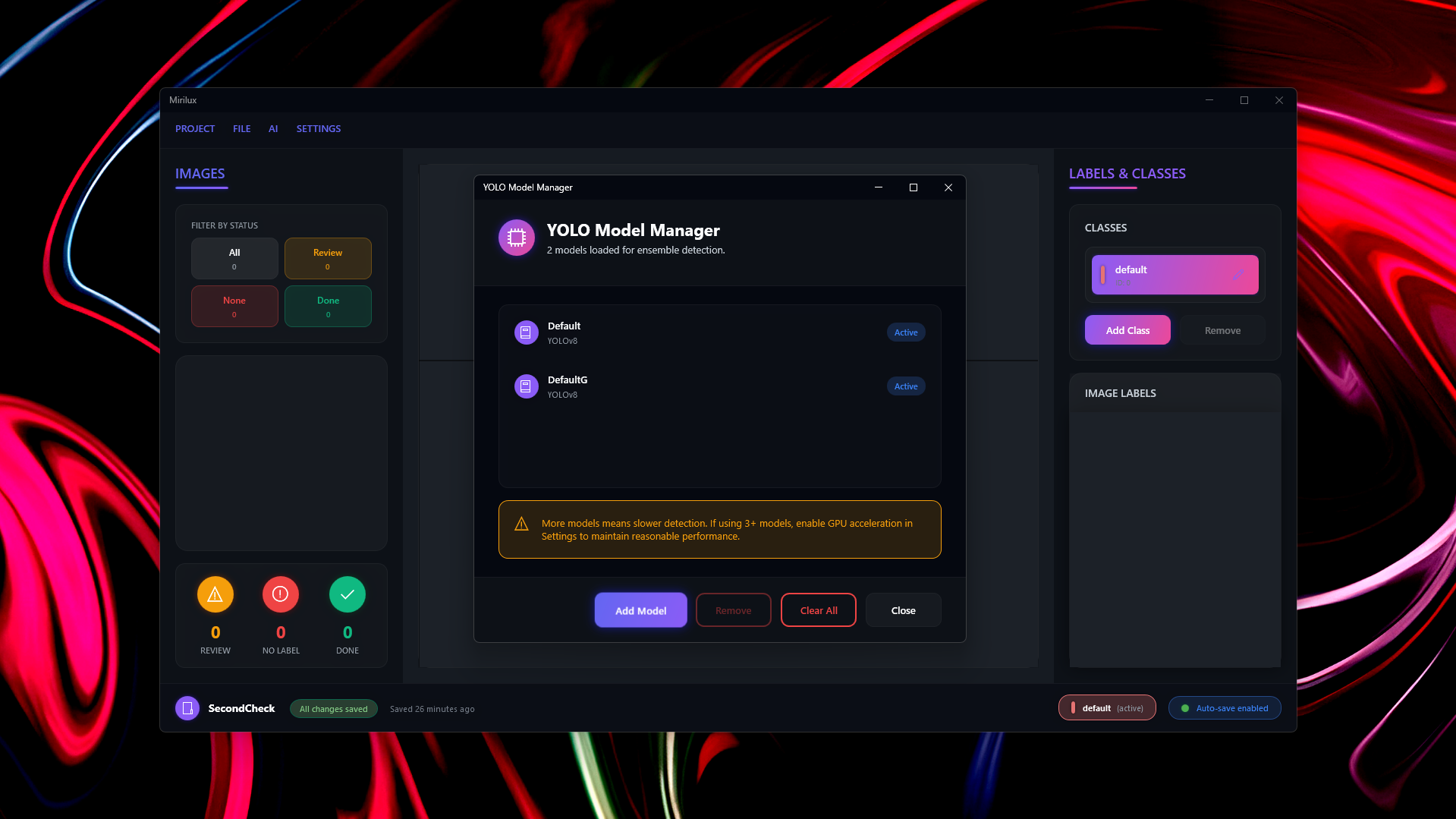
Run ensemble detection on batches to generate initial labels across every frame in your dataset.
03
Review
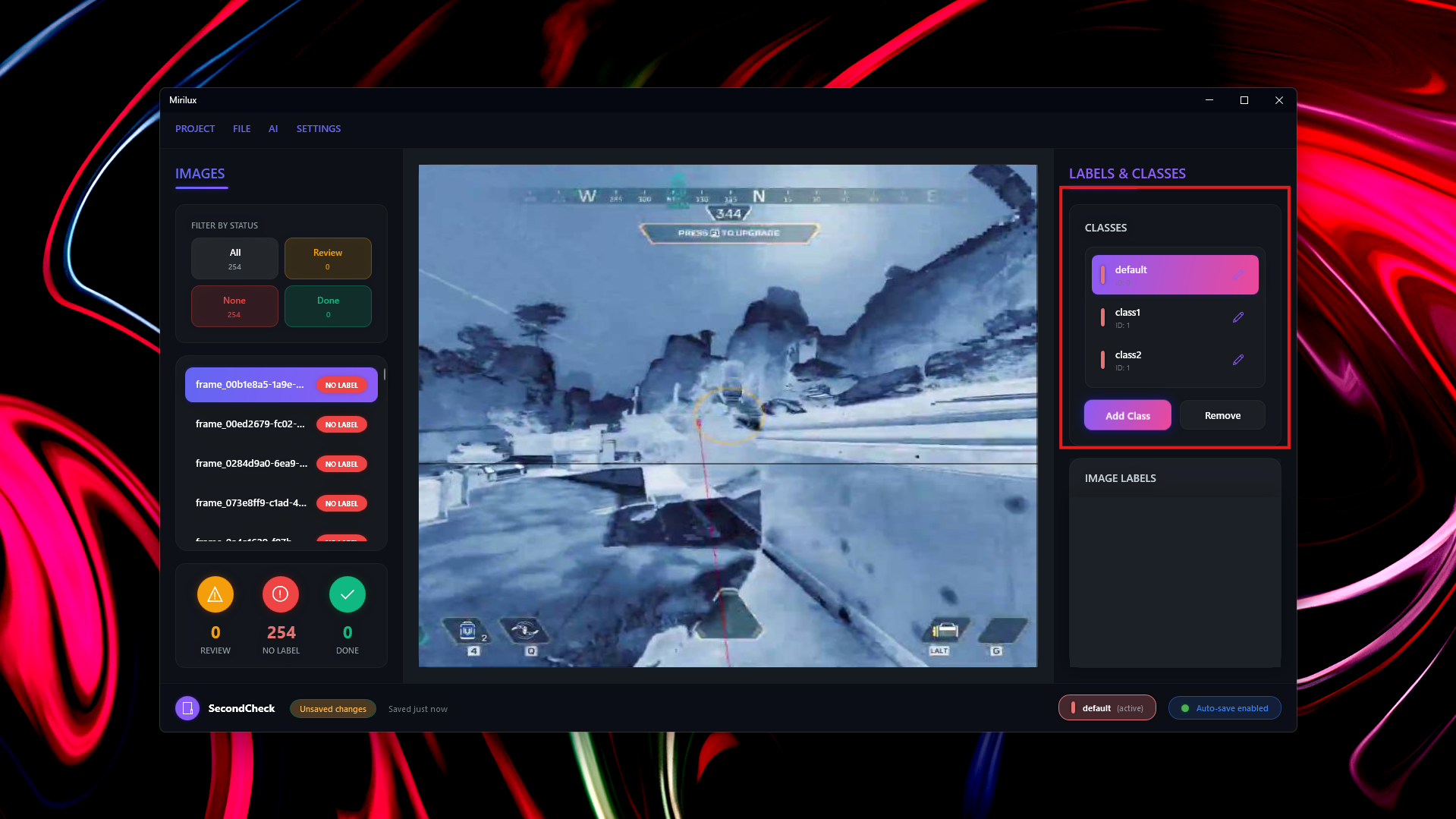
Correct edge cases quickly with a verification-first UI. Manage classes and adjust bounding boxes before export.
04
Export
Write YOLO-format labels and dataset splits for training. Optional built-in training pipeline with ONNX export.

Formats
From frames to a YOLO dataset.
Input
Image folders, extracted frames, YouTube import
Labeling
Ensemble ONNX detection + manual review
Export
YOLO-format labels + dataset splits
Training
Optional built-in training pipeline + ONNX export
Ready to build a dataset faster?
Get Mirilux and ship labels that are consistent enough to train on.